Bring activity together
Recorded lessons, active students and training activity provide an overview of documentation. The values refer to available app data, not automatically complete business records.
The app overview connects recorded training activity with mistake trends and review activity. It helps prepare the next lesson using available records.
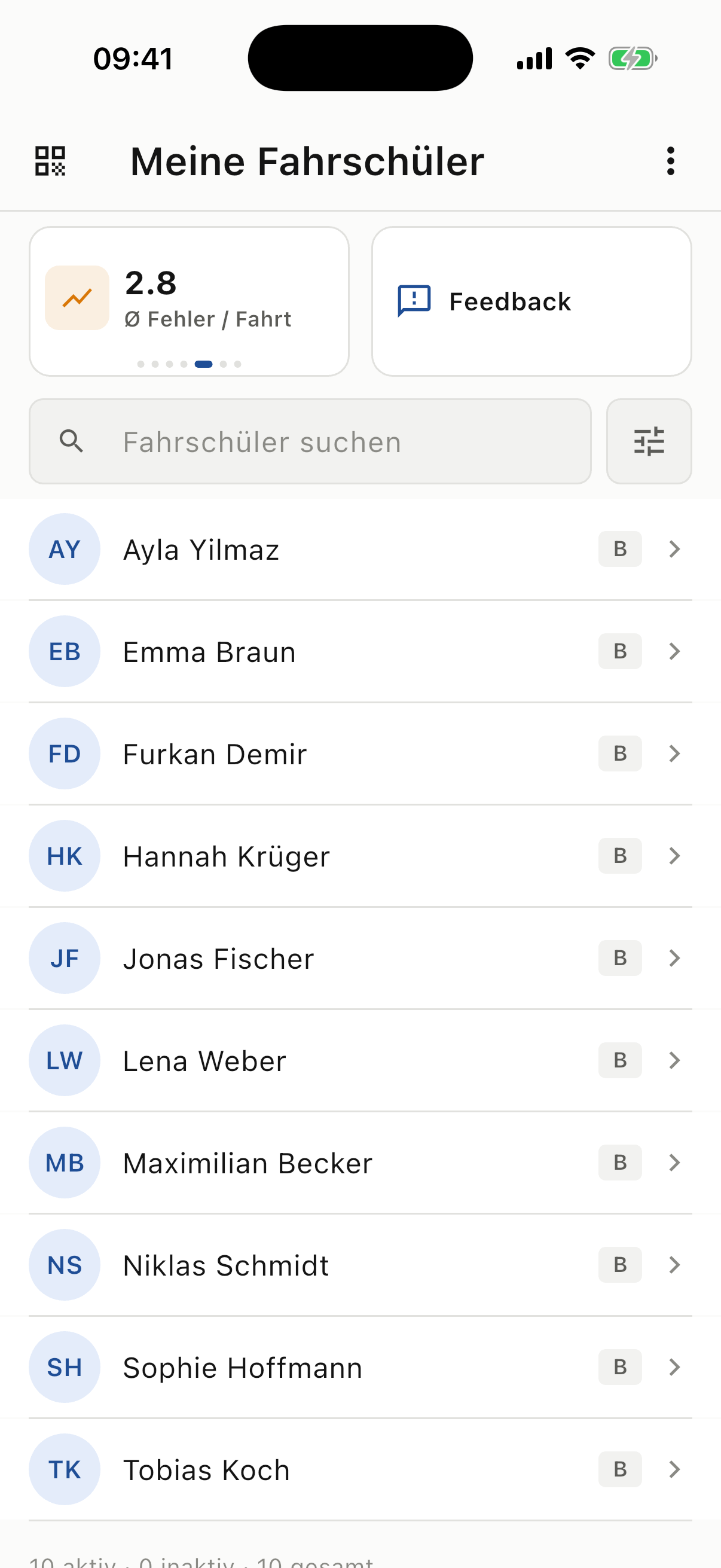
With many students and lessons, it is difficult to remember every development. An overview of recorded drives provides a starting point from which you can move to a particular student or lesson.
Recorded lessons, active students and training activity provide an overview of documentation. The values refer to available app data, not automatically complete business records.
Mistakes per lesson, developments and available track or mistake heatmaps show patterns. Sample size and missing GPS data affect interpretation. Analysis supports questions and does not replace professional judgement.
The review share can show whether recorded situations were revisited in the app. It offers a way to start the next conversation: what was clear, what is still unresolved and which exercise would help?
Three steps
Check recorded activity and trends.
Task progress and the latest lesson add context.
Use the records to choose a specific practice aim.
This app analysis is not a complete finance, staffing or scheduling dashboard. Metrics describe recorded activity; small samples require particular care.
Students use RoadReview through a participating driving school. New schools can register their interest; the enquiry does not automatically activate access.
This page describes training data from the app. Business administration is a separate product area.
Geographic route and mistake heatmaps show places. The learning-statistics activity heatmap shows days with app review activity.
It describes recorded review activity in the app. Learning outside the app is not fully captured.
Would you like to use this feature at your driving school? Register your interest. We will discuss introduction and the requirements for your workflow.