A better conversation after the lesson.
You want to support your learner. RoadReview Family gives you context for a conversation: what was practised, what was difficult and what comes next. The learner decides whether to invite you.
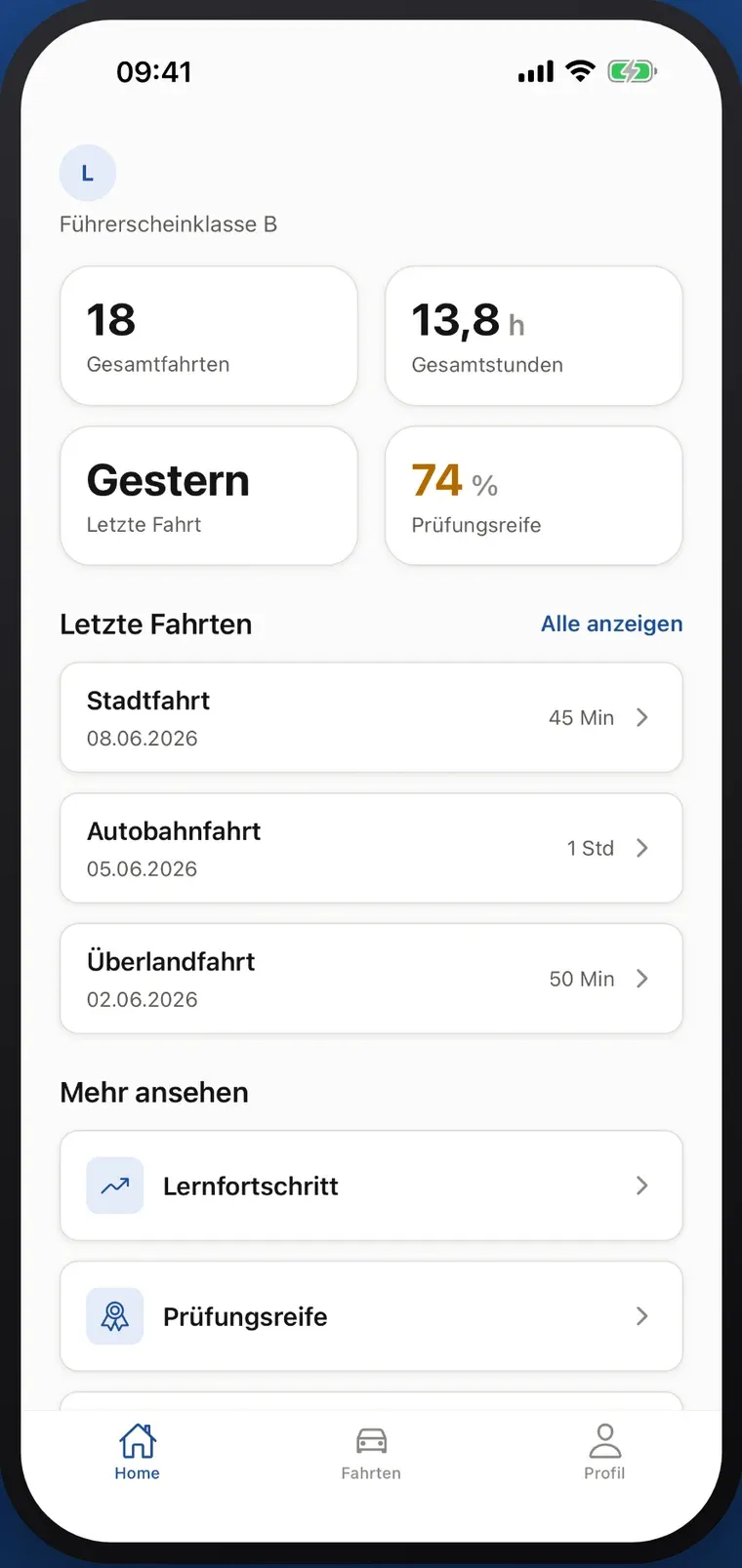
InvitationShared by the learner, revocable
Read-onlyNo ratings, no chat
Real app view · example data · German interfaceProgress is guidance, not a prediction of passing.
Supporting by invitation
Listen first. Then look together.
Recorded feedback can help you listen more specifically. Start with your learner’s experience, then look at the lesson together.
-
After the lesson
Start with an open question.
Before you open the app, let your learner tell you about it. Recorded feedback then helps you ask more specifically. It is not there to grade the lesson.
Example conversation
“Which situation felt difficult today?”
Listen → understand → choose a next step
From the Family example view · example data
Real app view · example data · German interface -
Looking together
Two perspectives side by side.
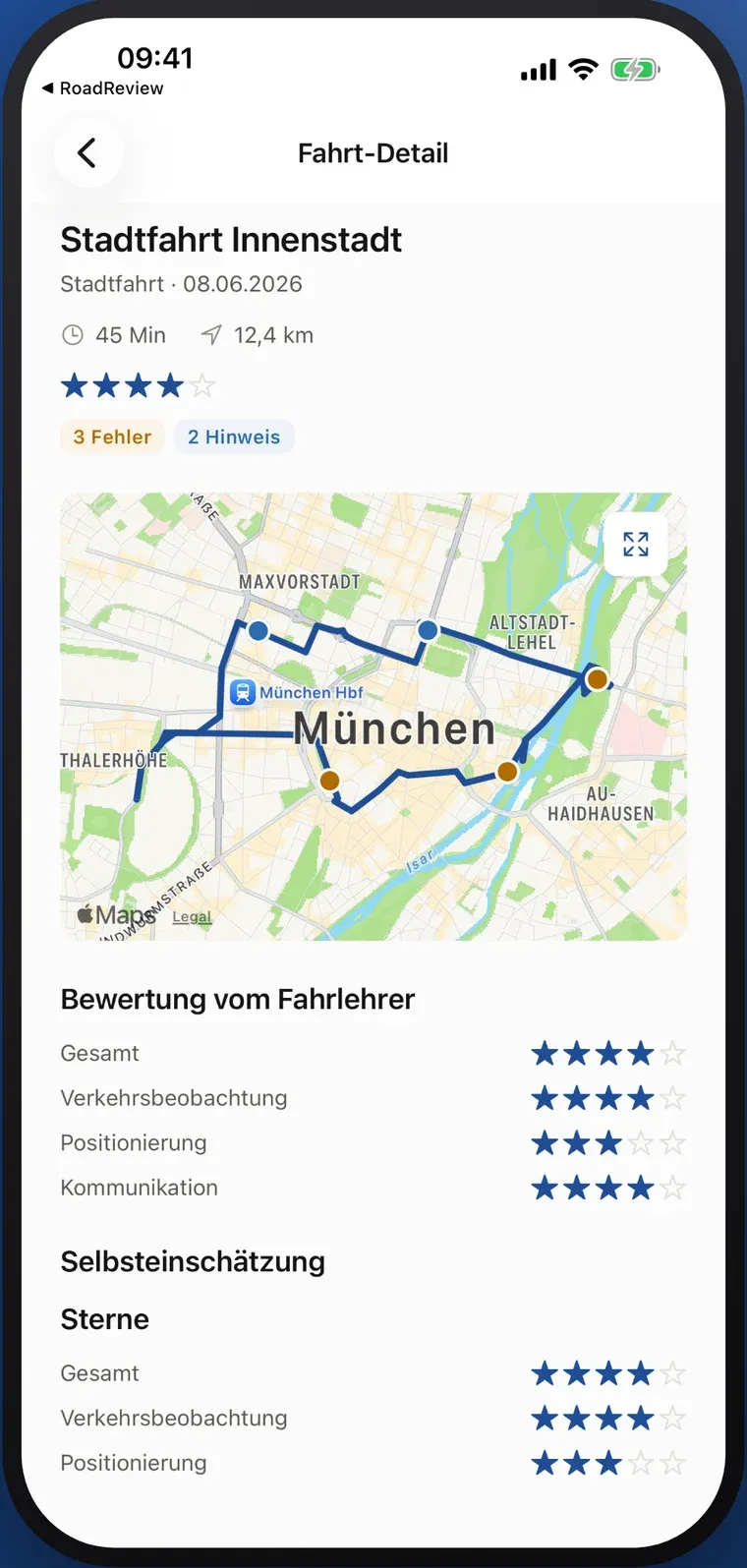
Find the situation on the recorded route. The instructor’s rating and the learner’s self-assessment can differ, and that is exactly what is worth talking about. Family cannot change feedback or add ratings.
Lesson detailCity drive · 45 min
Instructor rating · Self-assessment
Both views appear in the same lesson.
From the Family example view · example data
Real app view · example data · German interface -
Until the next lesson
Stay involved without pushing.
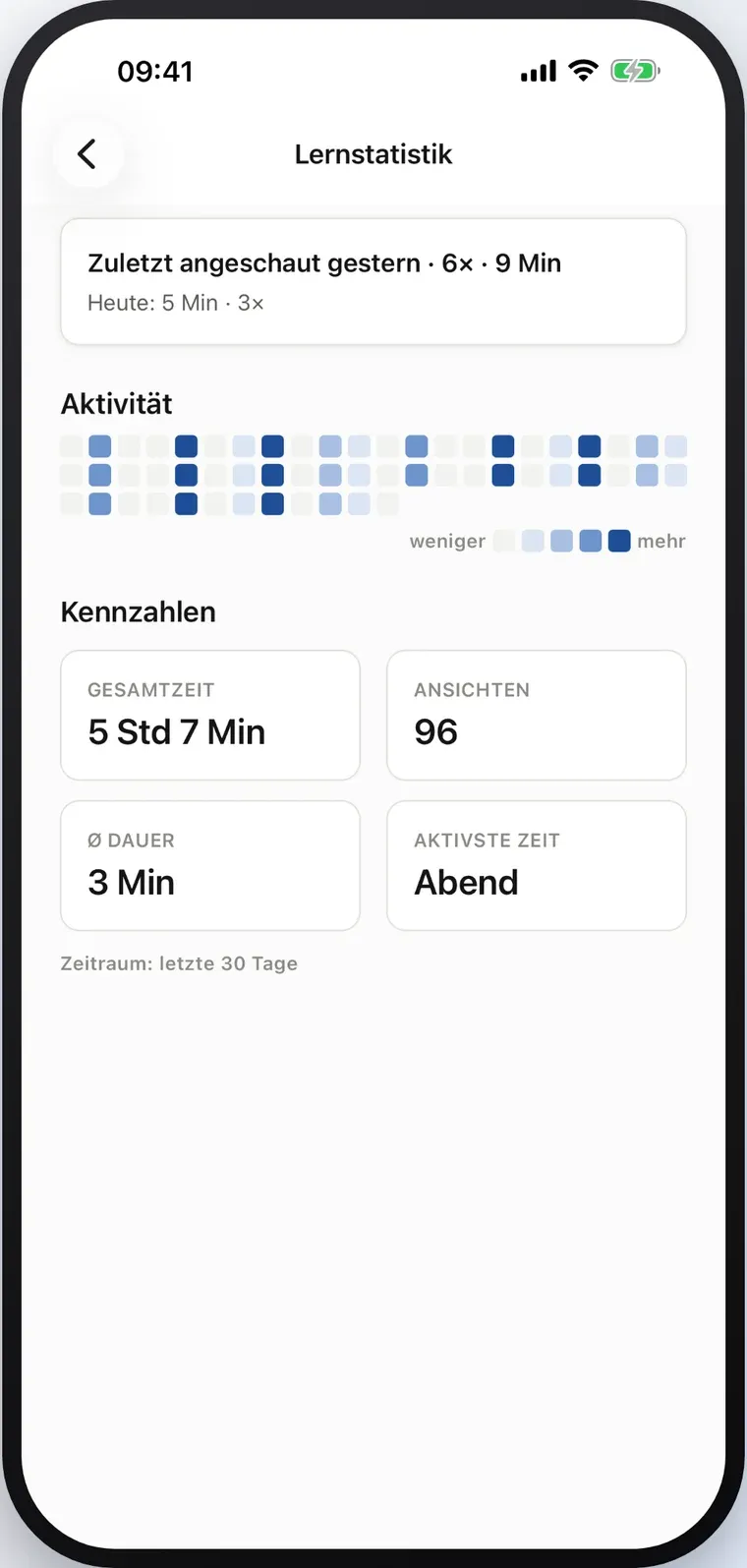
Public lesson notes may describe what needs more practice. The instructor plans the training; you help your learner talk it through. Learning statistics only show review activity in the app, not everything your learner does.
Learning statisticslast 30 days
Last viewed yesterday
Review activity, not a measure of test readiness.
From the Family example view · example data
Real app view · example data · German interface
Agree on sharing before opening the app.
Family needs a learner account at a participating RoadReview driving school, recorded lessons and a valid invitation. The invitation shares the defined Family view, including routes and feedback. It is not a choice of individual fields.
How you get started together
Your learner trains at a participating RoadReview driving school.
You discuss what the Family view contains and how you will use it.
Your learner shares an invitation; you install Family for iPhone or Android.
The invitation can be withdrawn in the learner’s app at any time.
Plainly stated
- Voluntary
- Being a parent or paying for lessons does not create access. The learner decides and can withdraw the invitation.
- Read-only
- Family is not a chat or booking service. Discuss training questions with your learner and the driving school.
- No accompanied drives or invoices
- Family does not record private accompanied drives, issue official BF17 records, display invoices or process payments.
- Guidance, not a forecast
- A progress score depends on the available data and does not predict a test result.
Questions parents ask
Do parents get access automatically?
No. The learner chooses whether to share an invitation to Family. Paying for lessons or being a parent does not create access. The learner can withdraw the invitation.
Can I talk to the instructor in Family?
Family is a read-only companion app, not a chat or booking service. Discuss training questions directly with your learner and the driving school.
What if progress looks lower than expected?
Look at the recorded situations and ask how your learner understood the feedback. A progress score depends on the available data and is guidance, not a prediction. Ask the instructor about training needs rather than drawing a test-readiness conclusion from a number.
Can I use it for accompanied driving or costs?
Family currently does not record private accompanied drives, issue official BF17 records, display invoices or process payments. Agree on costs and accompanied-driving requirements separately with the school.
Find the right way to get started.
Whether you are a parent or a driving school: tell us about your interest in Family. We will discuss the learner account and participation requirements with you.