Shape your presentation
Branding, images, a short description and your own copy shape the presentation. Highlights, FAQs and custom sections give the school room to explain its approach. Content order is configurable.
Maintain branding, staff, vehicles, services and locations in the same management system. Prepare the public presentation through its own draft and publication process.
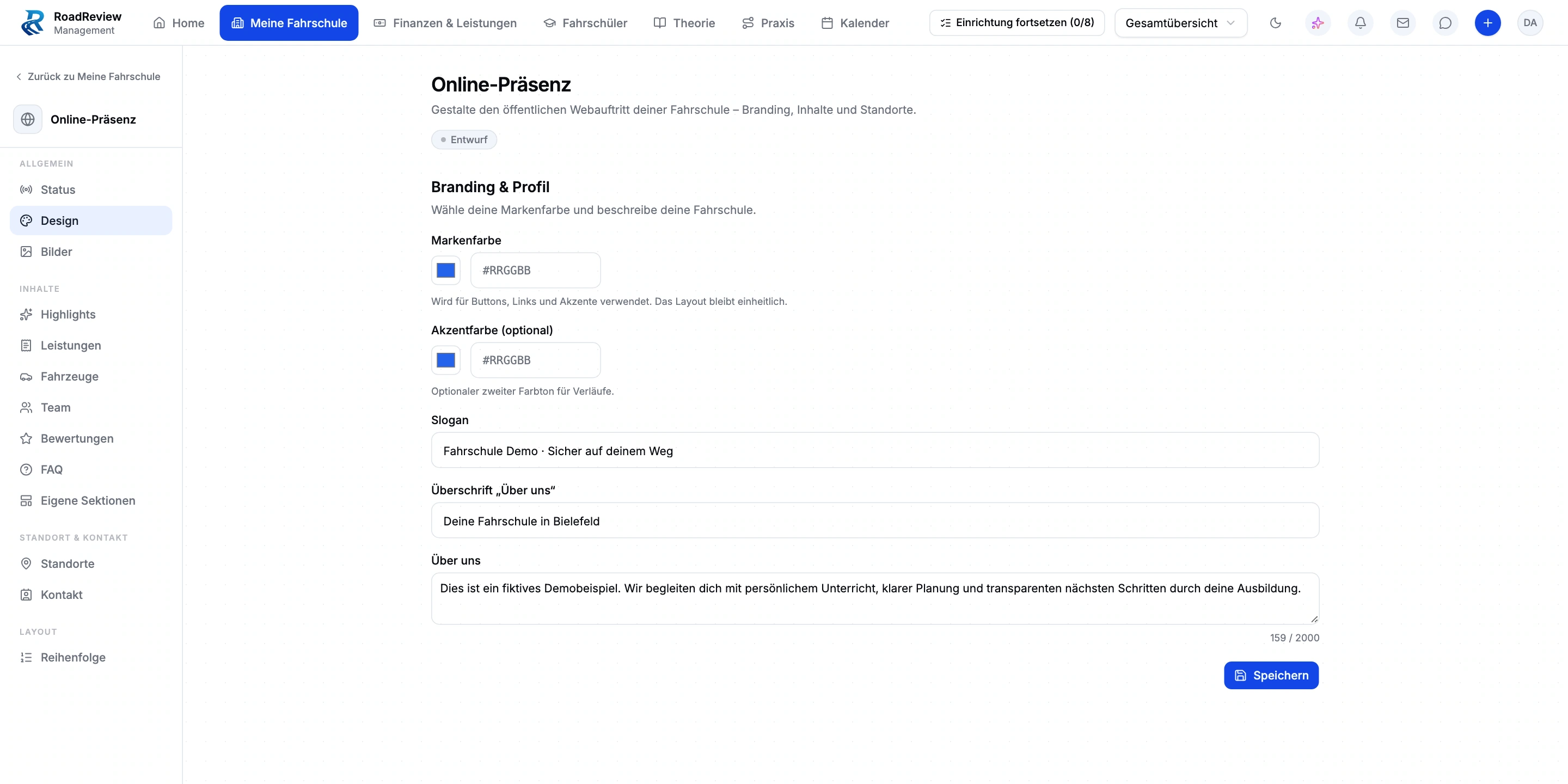
Branding, images, a short description and your own copy shape the presentation. Highlights, FAQs and custom sections give the school room to explain its approach. Content order is configurable.
The online presence can draw on management content. You manage selection and presentation rather than describing a vehicle or service only in a separate website editor.
Location and contact sections help prospective students find the right school and next contact step. Catalogue presentation and online registration complement this journey where configured for the school.
Edited copy starts as a draft. Review public details and intended content before publication. The demo shows local design settings, not a published school website.
Keep staff, services, vehicles and locations current.
Choose branding, copy and sections.
Review contact information and selected public content in the draft.
Complete the school’s designated publication process.
Online presence is part of the closed beta. An existing settings page does not imply immediate public activation, ranking guarantees or an integration with arbitrary existing websites.
Editing and the designated publication process are separate steps. The demo shown here was neither saved nor published.
You can select staff, vehicles, services, locations and contact details for the school website. Branding, your own copy and sections complement those records.
Driving school management is in closed beta. Tell us about your school and workflows. We will discuss whether the scope, setup and access fit your school. Applying does not confirm admission or activate access.
Anyone working in the driving school management interface currently needs full school administration access. Finer office roles are not available yet. We plan responsibilities and access with you during onboarding.
Driving school management is in closed beta. Tell us about your school and workflows. We will discuss whether the scope, setup and access fit your school. Applying does not confirm admission or activate access.