Daily records & hour summaries
Choose the instructor, period and report. Daily records or hour summaries can be generated and downloaded as PDFs, providing a specific handover for recorded teaching hours.
Select the report you need
- Choose the instructor and date range
- Select daily records or an hour summary
- Generate and download the PDF
Daily records and hour summaries
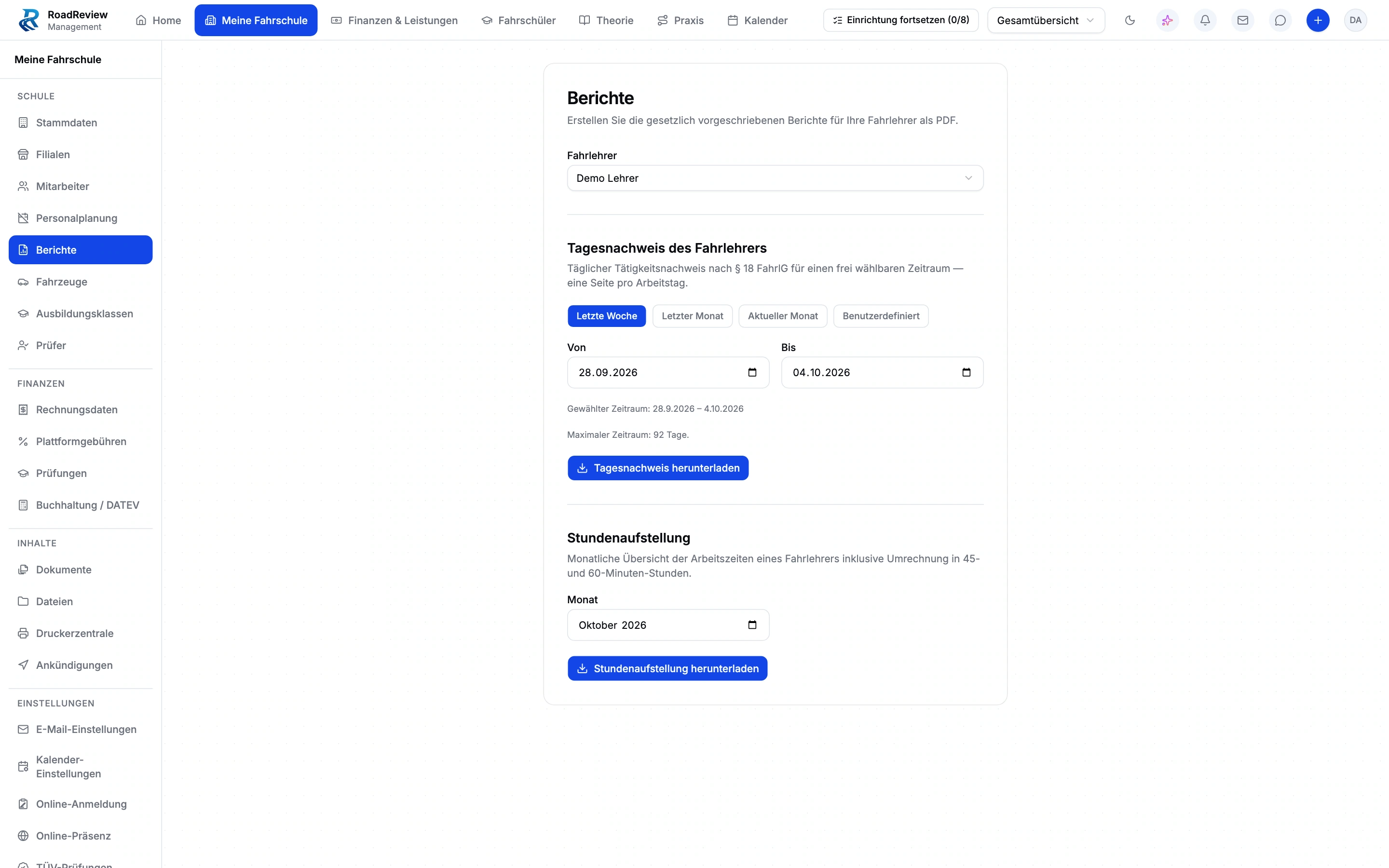
Choose an instructor and date range, generate the relevant PDF and download it. These reports provide a specific handover point for office staff. The demo view shows export configuration, not a generated record.
Requirements and boundaries
The image shows export configuration, not a generated record. The report does not promise blanket legal recognition, payroll or measured working time.
Daily records & hour summaries: the demo view
The real closed beta interface with sample data. Open the image to inspect its form fields and settings.
Frequently asked questions
What do I select for the export?
Select the instructor, date range and report type. Then generate the relevant PDF report.
Does the image show a finished daily record?
The demo image shows selection and export configuration. It does not establish a generated record or an official approval.
Does the report replace a time clock or payroll?
This function exports reports about recorded teaching activity. It is neither a time clock nor payroll; requirements for using the reports need to be checked separately.
How do we get access?
Apply for the closed beta. Scope, setup and admission are discussed; no immediate activation.
Help shape the management beta.
We discuss scope, setup and conditions before arranging participation. Applying does not activate access.